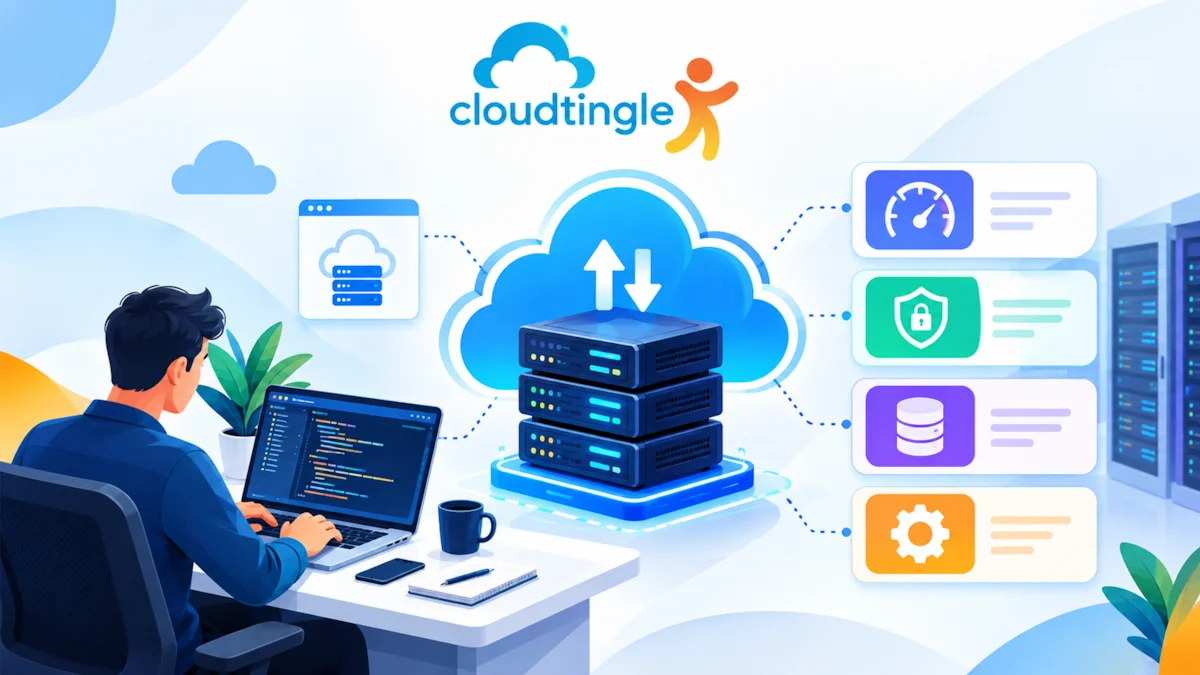


Wanted to work TallyPrime where you wanted, home, office or on the go, without having to carry your system around and fear failure of data backup?
Tally on cloud is capable of doing exactly that.
Companies throughout India are quickly shifting their accounting to the cloud, not only due to convenience, but also due to speed, security and flexibility. When you have been in the search of tally cloud price, the probability lies in the fact that you are looking into the possibilities of whether it would make sense to move TallyPrime to the cloud.
The good news? It is simple and straightforward.
In this resource, we have provided an overview of how to buy TallyPrime on Cloud, as well as tips for using it and things to remember when selecting a Cloud provider; all without technical difficulties.
What is TallyPrime on the Cloud?
Traditionally, TallyPrime is deployed into a desktop or local desktop server in your office. It can only be accessed via that machine or via the local network.
Under cloud hosting, TallyPrime will be deployed on remote high-performance servers. Your team has a secure web-based access through the internet with a login of:
- Laptop
- Desktop
- Tablet
- Even remote desktop (through mobile apps).
Tally is not installed on your own system. You just log in and get down to work.
Why Companies are Languishing after Tally Cloud Prices Today.
There is increased interest in Tally Cloud Price due to the reason that the businesses desire:
- Work from anywhere access
- Real time multi-user collaboration.
- No reliance on office systems.
- Automatic data backup
- Better data security
- Zero hardware maintenance
Companies would rather have everything handled by a cloud solution as opposed to investing in servers, IT staff and backups.
Step 1: Purchase an authentic TallyPrime License.
You need to be licensed to TallyPrime prior to transferring to the cloud.
You can purchase it from:
- An authorized Tally partner
- Official Tally website
- A hosting company that also provides licensing of Tally.
Be sure that you require:
- Single user (Silver)
- Multi-user (Gold)
This license will be applied on the server later by your cloud provider.
Step 2: Select the appropriate Tally Cloud Hosting Company.
This is the most significant step.
Cloud services are not all similar. Comparing tally cloud prices, people usually forget to look at what is included into that price.
Here’s what you must look for:
- High-Speed SSD Servers: Tally must open without a delay.
- Daily Automatic Backup: Your information will be supported automatically.
- 24/7 Technical Support: Should there be problems with logging in or performance.
- Multi-User Access: Your CA, staff and accountant can collaborate.
- Firewall Protection and Data Security: Financial information has to remain secure.
- Easy Login from Any Device: No complicated setup.
You will have a good provider who will take care of the whole set up.
Step 3: Disclose Your Tally License and Data.
After buying the cloud service, the provider will request:
- Your Tally license details
- Current Tally data backup (if available)
They will then:
- Install TallyPrime in the cloud server.
- Upload your data
- Configure users
- Create login credentials
- This arrangement is normally very fast.
- This does not require technical skills.
Step 4: Anywhere Access to TallyPrime.
After setup, you’ll receive:
- Server login details
- Username and password
- Instructions to connect
You simply:
- Remote Desktops / browsers are open.
- Enter login credentials
- TallyPrime is brought up on the screen.
It is just as though you are working on your office system only in a faster and more convenient manner.
Step 5: Begin Work with your Team Live.
Now comes the real benefit.
With TallyPrime on cloud:
- Your accountant has the opportunity to work at home.
- Your CA is able to access the data at any time.
- The same data can be used by the branch offices.
- No file sharing or pendrive needed.
Your information is kept on secure data centers, and not in the local PC that could crash, get lost or be affected by virus.
Who is TallyPrime supposed to use on the Cloud?
Tally cloud is ideal for:
- CA firms that deal with more than one client.
- Companies that have distant employees.
- Firms that have more than one branch.
- Frequently travelling business owners.
- Anyone sick of server and backup issues.
Pre-closing Things to Check Before Finalizing Based on “Tally Cloud Price”.
Do not select the lowest price item.
Check:
- Is support included?
- Is backup included?
- How fast is the server?
- Is user access unlimited?
- Is data migration free?
A slightly improved service will save you a few hours of frustration in the future.
Conclusives: Is It advisable to migrate TallyPrime to the Cloud?
You are crippling your business in the event that you are still using desktop Tally.
Cloud based TallyPrime provides you with:
- The liberty to work everywhere.
- Better teamwork
- Stress-free security of your data.
- No IT headache
- Smooth performance
This is the reason why tally cloud prices searches are growing. Companies desire wiser accounting, rather than sophisticated set-ups.
Anywhere Ready to Use TallyPrime?
Everything has been said about the simplicity of purchasing and using TallyPrime on cloud, and the next step is to select a company that is very trustworthy in cloud that does all the work, including installation and support.
Switch once and you will never wish to use desktop Tally again.
Tally to the cloud: go unlimited with accounting.