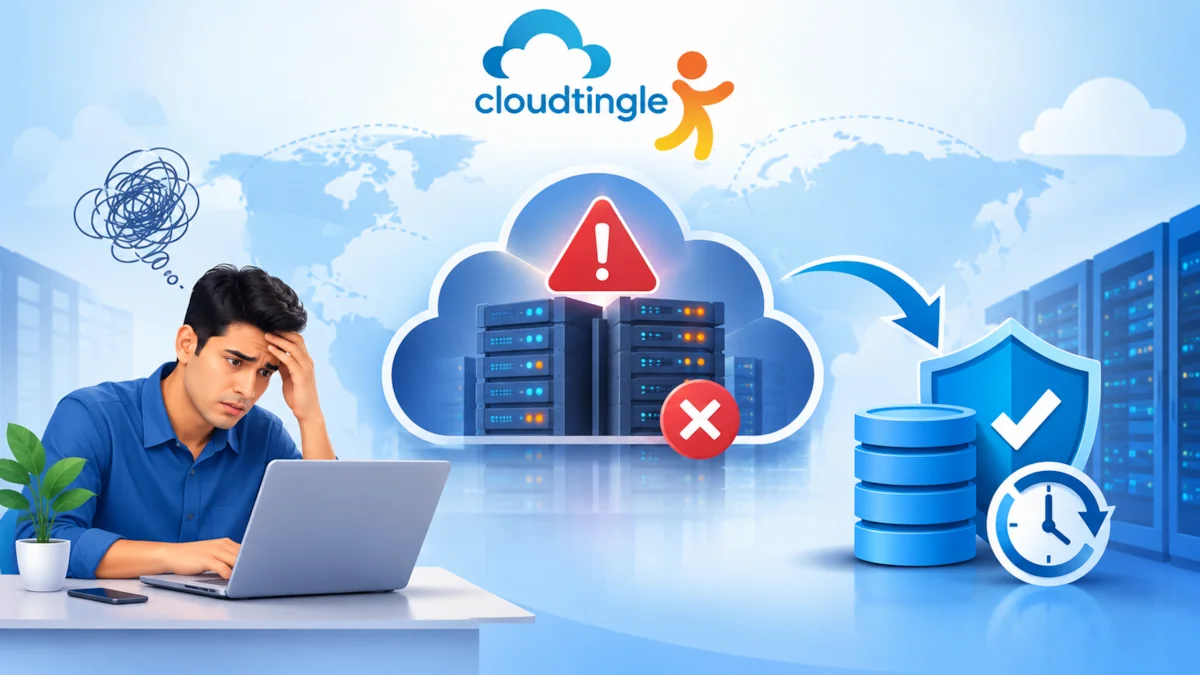
Now think about waking up one morning to find that your business website has crashed, your customer information is missing and vital invoices have vanished due to server failure. It’s a stressful situation, particularly for a small business, where a few hours of downtime can have an impact on sales, trust and everyday running.
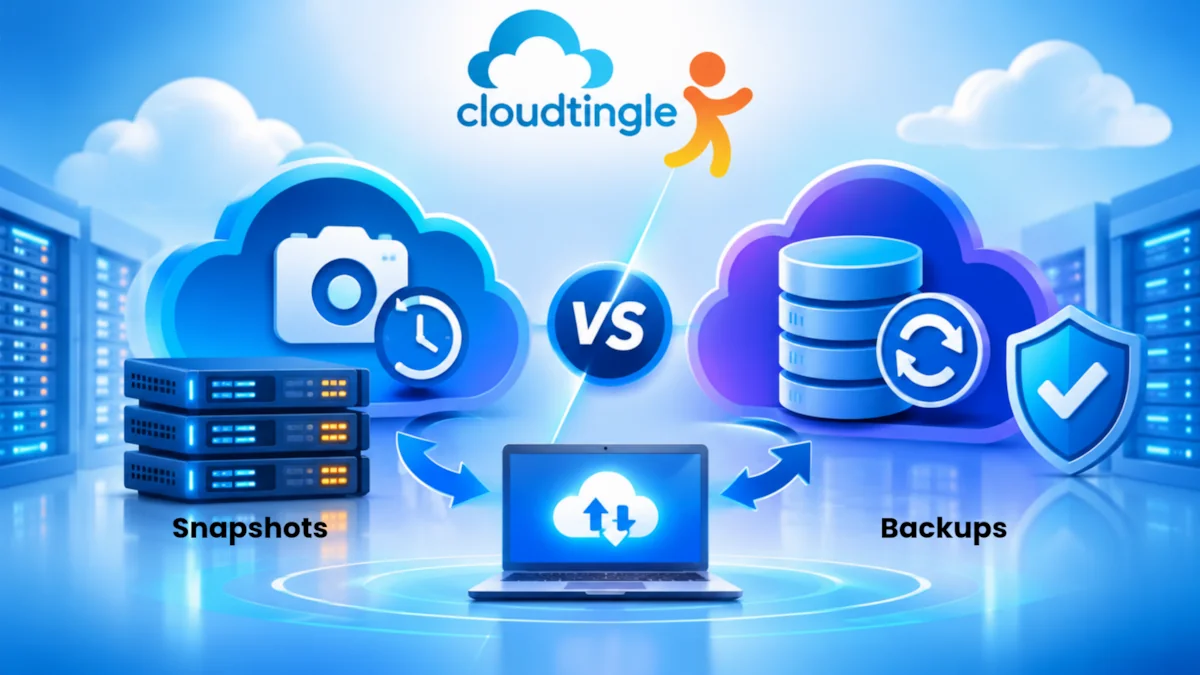
Data loss doesn’t necessarily occur as a result of a big cyberattack. Important business information could be at risk if a hard drive fails, data is accidentally deleted, someone is infected by ransomware, a software error strikes or even if the laptop is damaged. That is part of the reason why it’s a necessity anymore for businesses that rely on digital systems to have a reliable cloud backup strategy.
The 3-2-1 backup rule is one of the simplest and most popular strategies. It offers a sensible approach to safeguarding business information without the need for an excessive complex backup environment.
What Is The 3-2-1 Backup Rule?
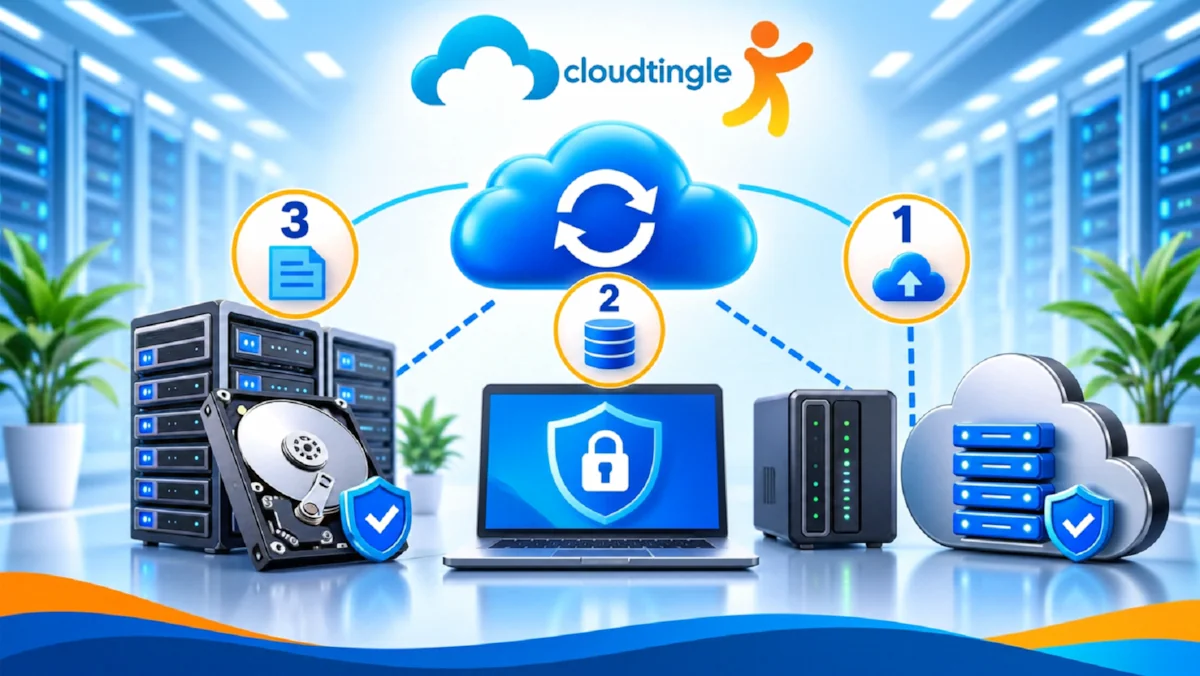
The 3-2-1 Backup Rule is a data protection strategy that requires three copies of valuable data stored on two media, one copy offsite.
Let’s take a closer look.
1. Store three copies of your data. Have three copies of your data.
Your first copy is the original business data you have on your computer, server or hosting environment. The other two copies are backups.
For instance, if the e-commerce business stores its live website data on its hosting server, then it stores a second copy of the data on a different backup storage system, and a third copy in cloud storage.
Why three copies? Using only one backup may be risky. If the same failure impacts the original data and the back-up data, the recovery could prove difficult or impossible.
2. Use Two Different Storage Types
Do not store all copies on the same storage system or in the same location. To minimize the likelihood that a single failure event will cause loss of all things, use two different types of storage or two different storage systems.
For example, a company may keep a copy of its data on a network storage device and another in the cloud. The key is to not rely solely on a single physical location or device.
3. Store One Copy Offsite.
Your third copy should be placed separate from your main business area or primary server environment.
Cloud Storage is a great storage solution for this. In the event of a fire, theft, flood or hardware failure in your office, an independently stored backup will still be available.
This is especially helpful for businesses in India when critical business functions rely on a single office, server room, or hosting environment.
Why Indian Small Businesses Need A Backup Plan
Many startups and small businesses believe that backups are not really important for banks, large businesses or organizations that process millions of transactions. That is not true.
It’s just as easy for a small company to lose valuable information as it is for a large organisation. Business value exists in customer information, accounting records, product information, website files, emails, and employee files.
A realistic backup solution for a small business India plan should take into account the sort of information that a company processes, and the speed with which it needs to recover from any incident.
For instance, an e-commerce website might require regular back-ups of its database since orders are placed all day long. If the site in a company is only altered now and then, then the backup frequency for the files may be lessened, but the company’s database and email data may still require frequent backups.
It’s easy to say, but difficult to do: ensure that the loss of one copy of data doesn’t mean the end of your business.
Choosing The Right Cloud Backup Storage
Cloud backup services enable companies to keep backups of their data on distant infrastructure as well as local drives.
When choosing a service, remember the following:
- Capacity: Determine the amount of data you’ll need to safeguard right now and how fast it may increase.
- Encryption: Check for encryption when data is in transit, and during storage.
- Access controls: Use strong passwords, multi-factor authentication and limited access.
- Retention policies: Review the retention of previous versions of backups.
- Recovery options: know how easily you can recover individual files, databases or entire systems.
Storage, data transfer, retrieval, and other service fees.
Don’t select a backup service just for the amount of free storage it offers. The recovery speed, security, reliability, and costs over time are the same.
Server Backup Best Practices Every Business Should Follow
A backup will only help when you need it if it works. Your recovery process can be more reliable if you follow a few server back up best practices.
First, set a backup plan that is dependent on how often your data is updated. A database that gets hundreds of transactions a day might need several backups a day, and static website files might not be updated all that often.
Second, streamline the process as much as possible. It’s easy to forget about manual backups when workers are busy handling routine business operations.
Third, watch backup reports. A silent failure can cause a false sense of security with respect to a backup job. Configure alerts to ensure that your team is aware when a back up is not successful or storage space is running low.
Last but not least, do test your backups. Periodically restore a sample file or database to ensure that the backup is readable and usable. A successful backup notification doesn’t necessarily mean successful backup recovery.
Protect Backups From Ransomware And Accidental Deletion
Ransomware is one of the main threats. Some attacks don’t just encrypt the original files, they also try to find and destroy the associated backup storage.
To minimize this risk, consider keeping a copy in a place that is not on the internet or can’t be changed. Offline backup: This backup is not connected to the network when it’s not being used. Immutable storage limits the ability of stored backup data to be modified or deleted for a specific time (service and configuration dependent).
Also, don’t provide all employees with unlimited access to a backup system. Avoid using the same administrator credentials and make sure that multi-factor authentication is enabled when made available.
These steps are taken to prevent a user account with a security breach from being a portal into your backup environment.
How Often Should You Back Up Business Data?
There is no one schedule that works for all organisations. The frequency depends on the amount of recent data that your company can afford to lose.
When orders are made frequently, for instance, a website that receives them often might need to be backed up every few hours or so, or even more often, as a result of transactions. If you have a small company and you update your website only occasionally, then you will only need daily backups.
You can use these two helpful terms when you plan:
- Recovery Point Objective (RPO): How much time your business can afford to lose without losing any critical data.
- Recovery Time Objective (RTO): The amount of time (days, months, years) your business requires to recover its systems in case of interruption.
In the case of RPO 4 hours, the backup strategy should focus on minimizing possible data loss to within 4 hours. If your RTO is two hours, then you need to have a recovery process that can restore critical services within two hours.
Build A Backup Strategy Before You Need One
A good back-up program doesn’t require a lot of trouble or money. Important business data is the first thing to be identified, then the frequency of changes, and then the selection of an appropriate local and offsite storage.
Follow 3-2-1 backup rule, automate backup jobs, limit access and test backup recovery periodically. Update the process when new applications, servers, databases are added to your business.
Above all, don’t wait for a failure to think about backup; make it a routine part of IT management.
A proper backup plan for the cloud can mean the difference between an inconvenience and a disaster for Indian startups and small enterprises. Securing your data now will mean that your business has a better chance of recovery, and a greater chance to continue to serve your customers and build your business with confidence.