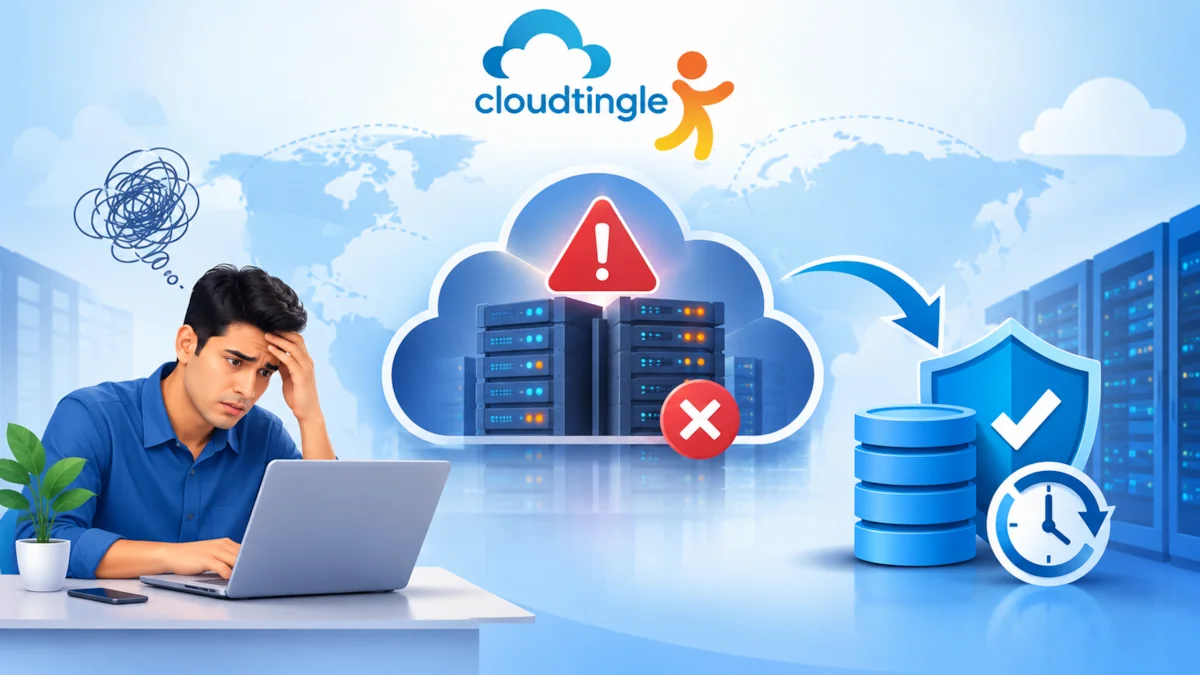
A website is not just about the code, design and content. There is an infrastructure network behind each and every page which keeps the information, processes requests, and provides data to visitors. The impact of a cloud data center failure can vary from a temporary disruption to extended downtimes that impact websites, applications and business operations.
When the event occurs, knowing what it entails can assist businesses plan for it and prepare for more resilient hosting environments.
What Is A Cloud Data Center Outage?
Cloud Data Centers are used to store servers, storage units, networks, and other components needed to drive cloud services. These facilities are intended to be run continuously, but disruptions can occur.
Outages can be caused by:
- Failure of hardware such as servers, storage, or network devices.
- Power outages or cooling issues
- Network connectivity issues
- Inconsistencies in software/configure
- The risk of cyber attacks or security incidents.
- Issues with maintaining the system or unforeseen infrastructure problems
All data center problems do not impact all customers. The impact will be based on the architecture, redundancy and location of the resources impacted by the cloud provider.
What Happens to Your Website During an Outage?
1. Your Website May Become Unavailable
Users accessing your website can experience loading errors, connection timeouts, or page not found conditions, if your website depends on servers in the impacted data center.
This can disrupt the browsing, checkout and payment experience of an online store. In a business website it might block the access for its customers to product information, contact details, etc., or service portals.
If there’s a power outage for any length of time, it can impact user trust.
2. Applications and Databases May Stop Responding
There are various components that work together to make a website function: application servers, databases, APIs, and storage systems.
The loss of one component can take down the entire application. For example, a failure in the database may cause a website to fail to display customer accounts or to process transactions even as the web server is working.
The severity is dependent on independent and redundant components of the infrastructure.
3. Data Access May Be Interrupted
When an outage occurs, it does not necessarily mean that data has been lost. In many cases, data is still in the system, but not available for use.
If, however, the incident is due to storage failure or data corruption, backups or replicated data may be required to recover. Understanding the difference between availability (being able to access data) and integrity (data being accurate and complete) is important for businesses.
Can a Cloud Website Recover Automatically?
Certain cloud environments have the ability to self heal in the event of infrastructure failures, without human interaction.
These are common ways of coping with resilience:
- Load balancing: distribute incoming traffic on multiple servers.
- Resilience: Is able to recover from failure.
- Replication: Make copies of data on systems or at locations.
- Failover: It’s a mechanism that will move workloads to healthy infrastructure.
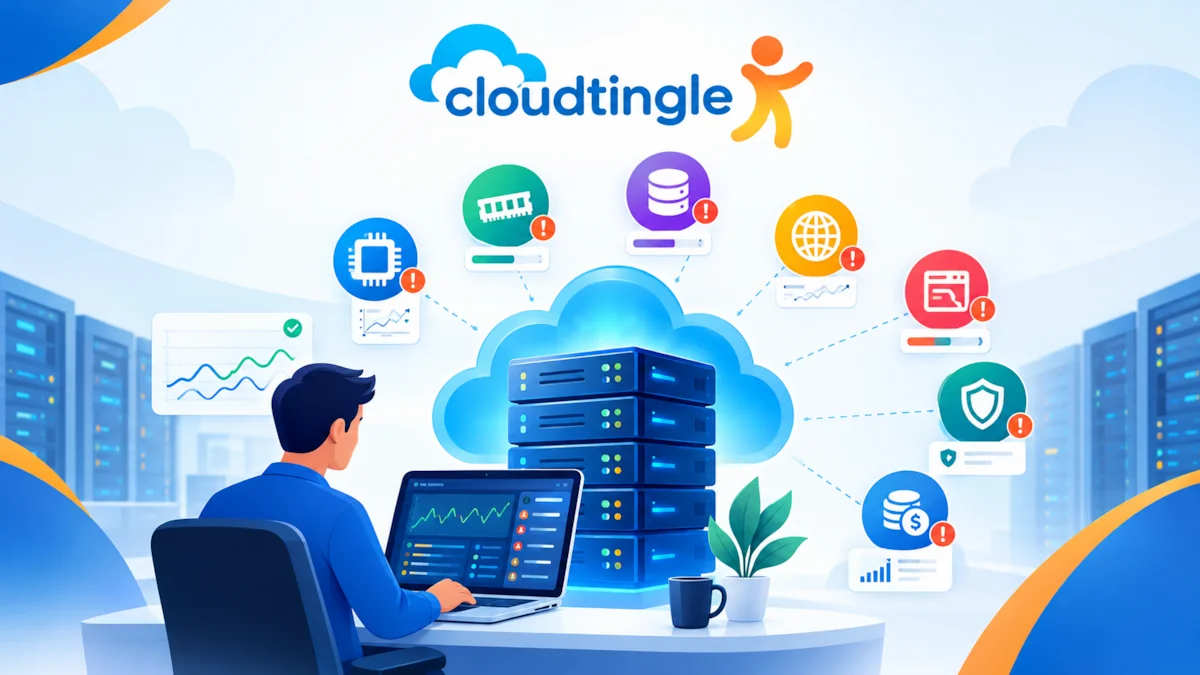
- Monitoring: Identifies when a service is interrupted and initiates alerts or recovery actions.
These can help minimise downtime, but they are not a given for continuous service.
For instance, if a group of servers in one data center is down or disconnected due to issues with power or connectivity, the site may continue to be accessible via another data center. When set up correctly, Geographic Redundancy provides greater protection.
Why Backups and Disaster Recovery Matter
Data protection and service recovery are two aspects of a resilient hosting plan.
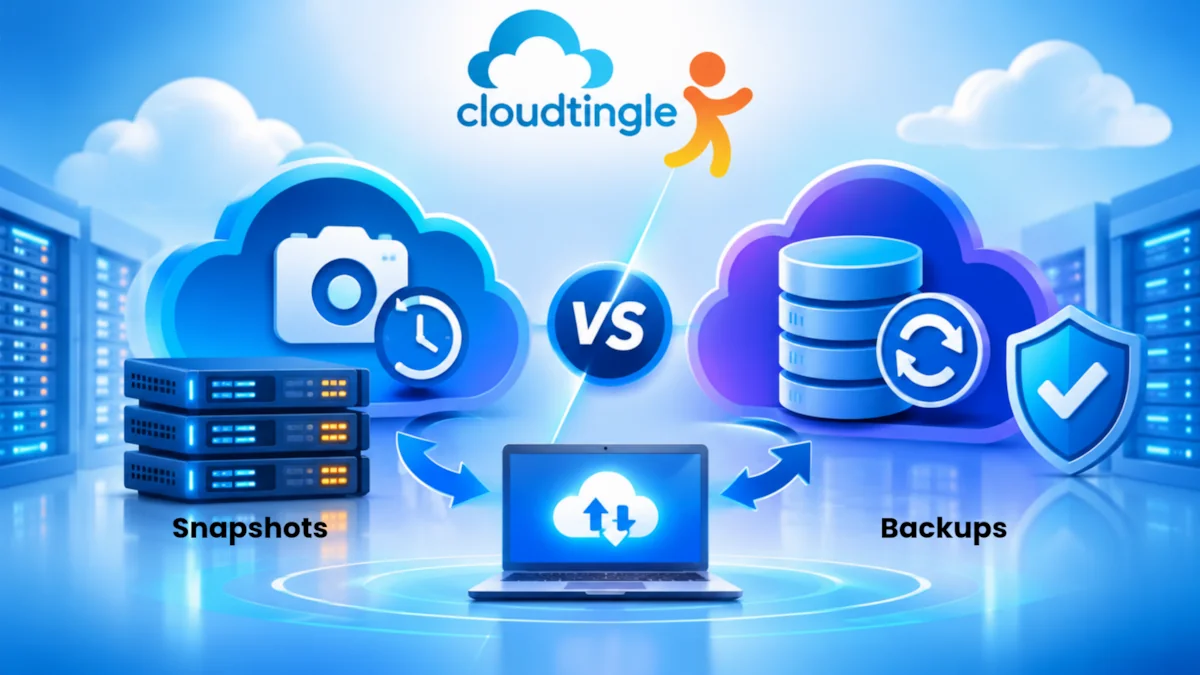
Backups maintain copies of vital files, databases, and configuration. DRP will describe what to do to restore those resources and services.
Businesses should consider:
- Taking backups out of the way or in an infrastructure environment other than the primary site
- Periodic testing of restoration procedures.
- Keeping records of recovery tasks and responsibilities
- Setting acceptable downtime and data loss parameters
- Checking server health and backups
There are two important concepts: Recovery Time Objective (RTO) and Recovery Point Objective (RPO).
RTO is a definition of a restoration time after disruption. RPO refers to the level of data loss a company can afford, in terms of time.
These goals guide the type of recovery architecture to choose.
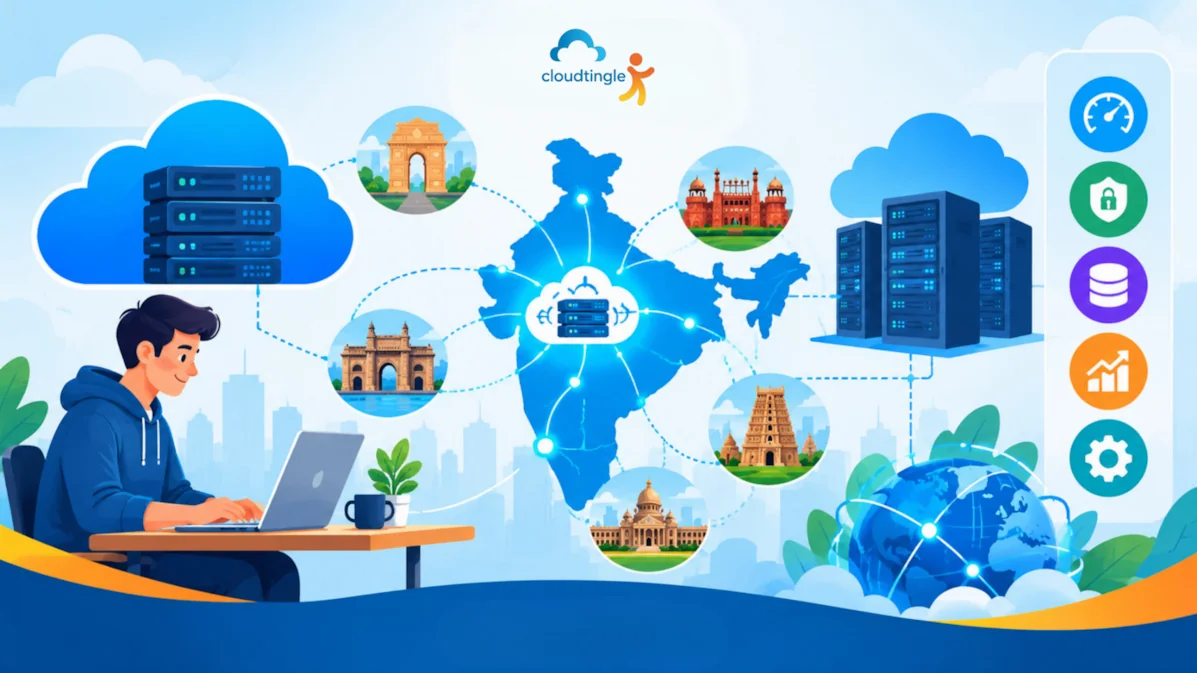
Choosing Cloud Hosting In India
Businesses must consider more than just the server specifications and storage capacities of cloud hosting India service providers when assessing them. Backups, support, and disaster recovery are all equally vital aspects of infrastructure resilience.
Ask potential providers:
- Is there any service running on multiple availability zones or locations?
- Do any backups exist outside of production infrastructure?
- Is HA automatic or manual?
- How is help being provided during outages?
- Does it come with monitoring and recovery services?
- What are the service level commitments?
Knowing the cloud hosting price is also important. Redundancy features may be limited in lower cost plans, or may involve extra fees for backup storage, replication and disaster recovery.
While a low-cost cloud hosting service may be appealing for small websites and startups, it’s important to consider downtime costs along with monthly hosting charges for the business.
There are various factors like performance, availability, operational needs, and cost that must be taken into account while choosing a suitable hosting environment.
How Businesses Can Prepare For A Data Center Failure
When infrastructure issues happen, preparation helps to minimize uncertainty.
Begin by determining critical applications and dependencies. Identify critical services and those that can be temporarily disrupted.
Next, create a recovery plan that includes alternate sites, disaster recovery, communications, and recovery priorities.
It is important to test regularly. A plan in writing doesn’t necessarily function the same way if a true disaster occurs.
Last but not least, continuously track infrastructure. Early warning can enable administrators to spot issues before they become more serious and widespread.
Frequently Asked Questions
1. Will my website automatically recover if a cloud data center goes down?
Not always. Automatic recovery is dependent on the architecture of the host and if failover systems are configured. Single location deployments might need manual intervention or restoration, whereas websites located in multiple independent sites can recover faster.
2. Does a cloud data center outage mean my website data is lost?
No. Most of the time, an outage simply means that data is temporarily unavailable. Failure in storing or corruption may lead to data loss though. When it comes time to recover information, it is important to have independent backups and tested back-up procedures.
3. How can I prevent website downtime during a cloud outage?
While downtime cannot always be avoided, it can be minimized by redundancy, load balancing, geographic replication, monitoring and disaster recovery planning. The correct configuration is based on the importance of the site, cost considerations and the acceptable recovery time.
4. Are cloud servers more reliable than traditional servers?
Redundancy, flexible resources, and recovery options may be harder to obtain with a single physical server, but may be available through cloud infrastructure. But reliability is subject to the configuration and provider architecture. Even with a poorly designed cloud deployment, there can be a lot of downtime.
5. What should businesses check before choosing a cloud hosting provider?
Infrastructure redundancy, backup policies, disaster recovery, technical support, security controls, uptime commitments and total cost are all things businesses should consider. These characteristics can be used to make decisions about whether the provider can operate and recover.
Final Thoughts
Outages impact websites, databases, applications and customer experience in a cloud data center. The magnitude of the impact is largely dependent on the design of infrastructure and the expectations of failure of the business.
To minimize the impact of sporadic events, redundancy, independent backups, monitoring, and disaster recovery planning can be implemented. While cloud hosting is flexible, it is a matter of planning for resilience and not taking it for granted.
Selecting infrastructure with proper recovery capacity allows organizations to safeguard their IT functions and ensure continuity in case of any unexpected failure.