
Cloud servers do not require a business to buy, maintain, and upgrade servers, software, and other hardware. As with any networked system, though, they could be a target for malware, unauthorised access and cyberattacks. If it comes to your small business or startup, a compromised server can translate to more than just technical issues. It can lead to website downtime, breach of customer information, unexpected hosting costs, and adverse effect on business reputation.
The hard one is that malware isn’t always revealing. In some cases a server may keep running without the malicious scripts being executed. Being able to recognize suspicious activity and take swift action can prevent your website and business data from being compromised.
What Is Malware On A Cloud Server?
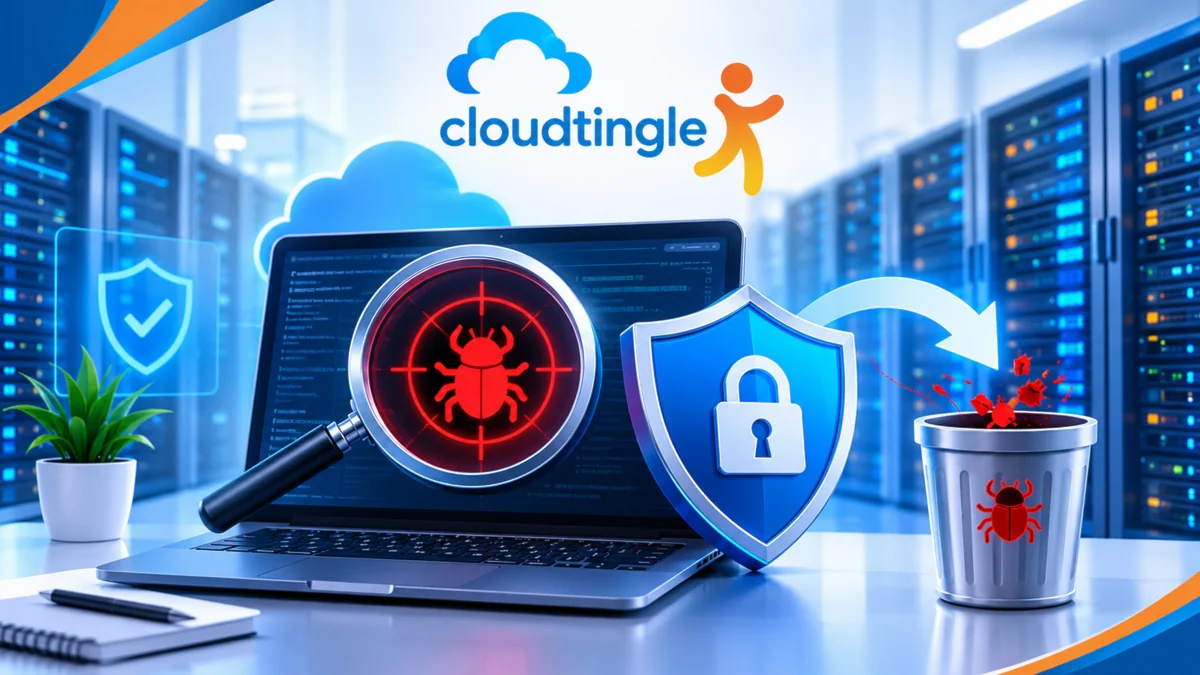
Malware is malicious software that is used to harm systems, steal information, gain unauthorised access or to otherwise misappropriate server resources. It can infiltrate a cloud server via vulnerable applications, outdated plugins, compromised passwords, insecure configuration settings or infected files.
Some of the most common forms of server malware are:
- Web shells: Malicious scripts that will enable an attacker to control a server from off-line.
- Cryptominers: These are programs that secretly use the computer(s) resources on the server to mine cryptocurrencies.
- Ransomware: This is malware that encrypts your files and requests a ransom for their decryption.
- Backdoors: Secret entryways through which an intruder can re-enter the compromised server.
- Trojans: Unwanted programs that appear to be harmless but are harmful.
A small site can still be targeted because of weak security and/or unsupported software.
7 Warning Signs That Your Cloud Server May Have Malware
Where unusual behaviour is spotted early a small security problem can be avoided as a big incident.
1. Unexpected CPU and RAM Usage
If your server suddenly uses more CPU or memory than normal, try to figure out what’s causing the problem. Malicious background processes and hidden cryptocurrency miners may consume a lot of resources.
2. Unusually Slow Website Performance
Malware can perform background operations, make unwanted network traffic or consume server resources. If you notice these unexpected delays in your site without any increase in traffic, inspect the server activity.
3. Unknown Files and Applications
Search for new scripts, executable files, suspicious PHP files and any changes in website directories. Check the files that have been recently edited.
4. Unusual Network Traffic
Any unusual outgoing connections, requests to unknown IP addresses or excessive bandwidth can be assumed as malicious activity.
5. Suspicious Login Attempts
If SSH logins are continually failing, administrator access is being attempted from a different account than expected, or from an unfamiliar location, a possible attempt to or successful security breach is suspected.
6. Browser Security Warnings
If visitors get warnings for malware or phishing when opening your website, look into it right away. Your website could be compromised or blacklisted by security measures.
7. Unexpected Hosting Expenses
You may find that your cloud server bill goes up if you suddenly use more resources, or bandwidth. It could be caused by cryptominers or malicious scripts.
How To Remove Malware From A Cloud Server
If you think you’ve got an infection, do not delete arbitrary files. The careful response will prevent any further damage and minimise the risk of loss or destruction of important evidence.
Follow these steps:
Step 1: Isolate the Compromised Server
Limit unessential network access when malware is detected or is highly likely to be present. Isolate the affected server with your cloud provider’s firewall or security controls, but maintain necessary admin access.
Consider incident reporting and legal requirements if your server has a role in handling customer data.
Step 2: Create a Snapshot or Forensic Backup
If feasible, save a snapshot or copy of the impacted system prior to major changes. This can assist in investigation and recovery.
Bear in mind that a snapshot from an infected server may also be infected. Avoid restoring the backup without examination as a clean backup.
Step 3: Identify Malicious Processes
Monitor running processes, system resource usage, scheduled tasks and active network connections.
For Linux servers, tools like top, ps aux, and ss -tulnp can be useful in detecting strange processes and connections.
Analyze processes that you don’t know, not ending processes that you don’t recognise. There may be some system services that don’t seem familiar.
Step 4: Scan Files and Applications
Access to trusted security scanners and antivirus software for your operating system. Review website directories, uploaded files, application folders and system configurations.
See recently edited items, and compare an application file and a trusted original.
Step 5: Remove the Malware and Close Security Gaps
If the infection is detected, get rid of malicious files and persistence. Install patches, update plugins, remove unneeded services and remove insecure configuration settings.
If the server is seriously infected, it may be more secure to restore it from an operating system image that is known to be clean.
Step 6: Change Passwords and Access Credentials
Recover administrator password, SSH key, database password, API keys, and more secrets that might have been leaked. Always use SSH keys and multi-factor authentication when possible.
Complete this on a clean device or trusted space.
Step 7: Monitor The Server After Recovery
Monitor system logs, network traffic, resources consumption, and user logins frequently. Ensure that any suspicious processes have been removed and applications are running properly.
Preventing Future Malware Attacks
It’s not enough to just get rid of an infection. Implementing good security practices can help prevent such issues from arising again.
Consider these measures:
- Regularly update application and operating system security.
- Properly configure firewalls to limit unwanted ports.
- Use of strong password and SSH key authentication.
- Install good malware detection software.
- Plan regular backups and backup recovery.
- Track server logs and irregular use of resources.
- Set the right permissions and user access.
- Secure data being sent between visitors and your site with SSL certificates.
Ideally the backups should be kept away from the main server. This is another way of recovering if the server is infected or about to fail.
Choosing A Secure Cloud Hosting Provider In India
Your web host is also a crucial element of server security. When you’re looking for a cloud server India provider, take a look at more than just processing power and storage.
See if the provider provides the ability to set up a firewall, DDoS protection, backing up, monitoring, operating system updates, and easy technical support.
Pay attention to the price of the cloud server, too. A low-cost plan can seem like a great choice, but other security services, backup storage, and managed support can impact costs.
24-hour tech support is useful for small companies that don’t have their own IT staff. Know what support is provided by the provider in the case of a malware related incident, or if the user is responsible for their server security.
Keep Your Cloud Server Secure And Reliable
While malware can impact businesses of all sizes, early detection, thorough investigation, and routine maintenance can mitigate the damage caused by malware significantly. As a responsible cloud server manager, it is essential to learn how to Remove Malware From Server environments as well.
Don’t wait till your web site is down or customer data is leaked. Keep an eye on your server, have separate backups, update applications and take the time to check security settings periodically.
Having an ant-virus on a secure cloud server isn’t just about installing an ant-virus. It needs to be consistently monitored, have sensible access controls, reliable recovery procedures, and a hosting environment that supports your business as it grows.