

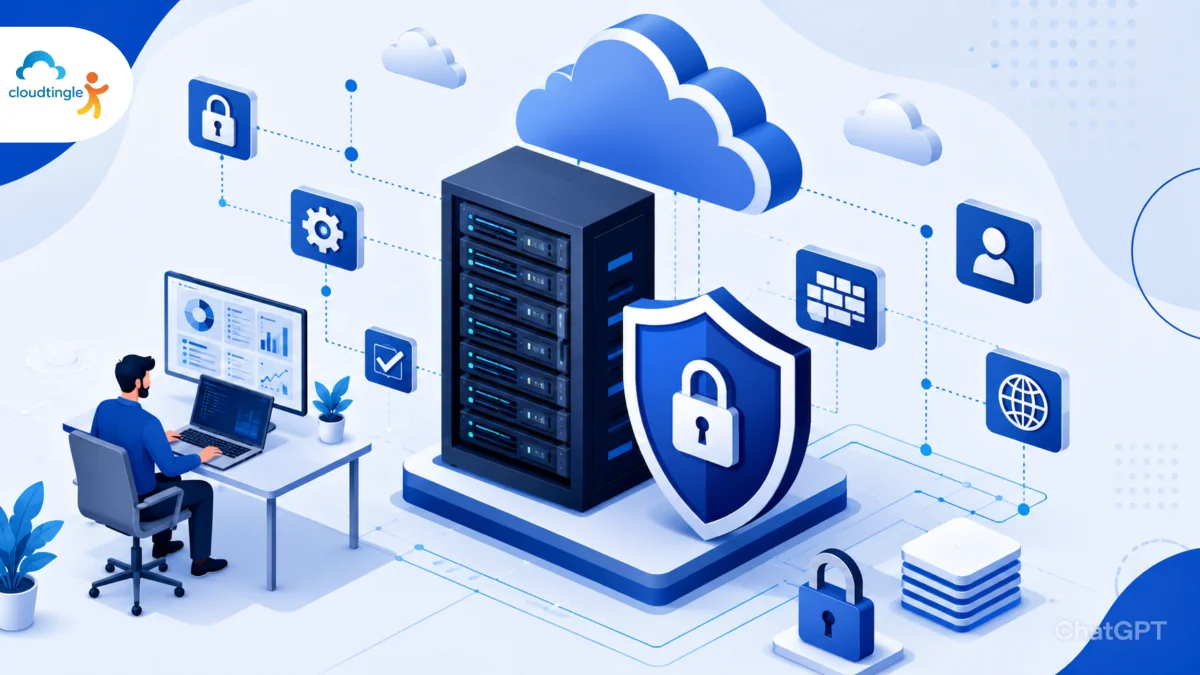
Security is an important part of infrastructure management as more and more organizations are shifting to the cloud. Cloud environments offer several benefits, such as scalability, flexibility, and efficiency, but they also come with their own set of security challenges. Securing Linux Cloud Servers is crucial for system administrators aiming to ensure the reliability, compliance, and business continuity of their operations.
Knowledge Of The Security Environment.
Cloud systems are distributed, scalable, and internet-facing, as opposed to on-premises systems. These are features that promote growth but they also create potential attack surfaces.
Some common security concerns are:
- Unauthorized access
- Data breaches
- Malware infections
- Misconfigured services
- Privilege escalation attacks
- Network-based threats
By having a comprehensive security strategy, these risks can be minimized while keeping operations efficient.
The First Step Is Secure Deployment.
Security starts when a server is not in production. The set-up by default makes a difference in the overall security posture.
Best practices include:
- Using trusted operating system images
- Uninstalling unwanted software applications.
- Disabling unused services
- Installing security updates as they become available or are required is the best approach.
- Implementing hardened configurations
Minimal installation means minimal complexity and attacker opportunities.
Strengthen Authentication
Stolen credentials continue to be one of the top security issue causes. Admin access and sensitive resources are protected with strong authentication.
Administrators should:
- Enforce strong password policies
- Properly implement multi-factor authentication (MFA)
- Deny direct login by the root user.
- You can set up administrator specific accounts for each individual.
- Set up SSH key authentication
These practices provide Linux cloud environments with a high level of security.
Secure SSH Access
To control a system remotely, SSH is required, and it is also a frequent target of cyberattacks.
To make SSH more secure:
- Change the default SSH port number.
- Restrict login attempts
- Use key-based authentication
- Grant access based on trusted IP addresses.
- Remove authentication methods that aren’t being used.
These ones help in the prevention of brute force attacks and preventing unauthorized accesses.
Keep Systems Updated
New vulnerabilities in software are continually being identified. One of the easiest and most effective security measures is regular updates.
Updates should include:
- Operating system patches
- Security fixes
- Kernel updates
- Application upgrades
- Dependency updates
Automated patch management can help ensure consistent deployment of important patches.
Implement Firewall Protection
Firewalls are one useful layer of protection for network traffic control.
Administrators need to set up firewalls to:
- Only allow ports needed for the required functions
- Restrict unnecessary access
- Block suspicious traffic
- Differentiate management and application services
Using a good firewall management system will lower exposure without compromising vital functions.
Use The Principle Of Least Privilege
No more, no less.Only the permissions that are needed for a user, application, and/or service.
Benefits include:
- Reduced insider threats
- Fewer accidental changes
- Prevents unauthorized actions.
- Improved accountability
Restricting access drastically minimises the security risks.
Encrypt Sensitive Data
Encryption renders information inaccessible even if it’s accessed by someone who isn’t supposed to.
Key practices include:
- Encrypting data at rest
- Encrypting data on the move
- Securing backup storage
- Properly managing encryption keys
Highly encrypted sensitive business and customer data.
Monitor Server Activity
Continuous monitoring allows administrators to see when suspicious activity occurs before it becomes a serious incident.
Important areas to monitor:
- Login attempts
- User activity
- File changes
- Resource utilization
- Network traffic
Centralized monitoring solutions increase management simplicity and enhance threat detection via many Linux Cloud Servers.
Protect Against Malware And Intrusions.
While Linux is secure, there are threats to it nonetheless.
Organizations should deploy:
- Intrusion Detection Systems (IDS)
- Intrusion Prevention Systems (IPS)
- Malware scanning tools
- File integrity monitoring solutions
These layers of protection enhance the security of the server as a whole.
Establish Reliable Backups
Backup and recovery are part of a comprehensive security plan.
Some of the best backup strategies are:
- Automated backups
- Offsite storage
- Backup encryption
- Regular recovery testing
- Multiple restore points
Reliable backups will always protect against hardware failures, accidental data loss and ransomware.
Secure Cloud Network Architecture
One of the key elements of cloud security is network design.
Administrators should implement:
- Virtual Private Networks (VPNs)
- Private subnets
- Network segmentation
- Access control lists
- Security groups
Segmentation restricts possible security incidents and minimises their consequences.
Create Incident Response Plan
Security incidents can still take place in well-secured environments. A documented response plan means a quick and orderly response.
The plan should entail:
- Detection procedures
- Containment strategies
- Recovery processes
- Communication protocols
- Post-incident analysis
An organization’s response to security events can be determined by its preparation.
Conclusion
To secure Linux Cloud Servers, there must be robust authentication, constant monitoring, encryption, frequent updates and disciplined working practices. Each layer of protection adds to the resilience of the infrastructure.
However, with increased cloud use, system administrators need to stay vigilant against emerging threats. Adhere to best practices for security and access to ensure that critical workloads are protected, sensitive data is secure, and organizations remain stable over time with their cloud environments.