
There is no requirement for you to be an advanced programmer or waste countless hours in manual configuration of your server in order to launch your website or business software application. The use of One-Click Apps makes the process simpler by allowing you to set up popular applications with a single click of your mouse.
This makes it easier for organizations, developers, and individuals to set up and launch their applications quickly and effortlessly. It has been through One-click installations that hosting has transformed itself to meet new standards for the modern age, which include setting up corporate websites, opening an online store, or installing a content management system.
Due to the nature of our current environment, businesses require quick and efficient means of making an online presence.
What Are One-Click Apps?
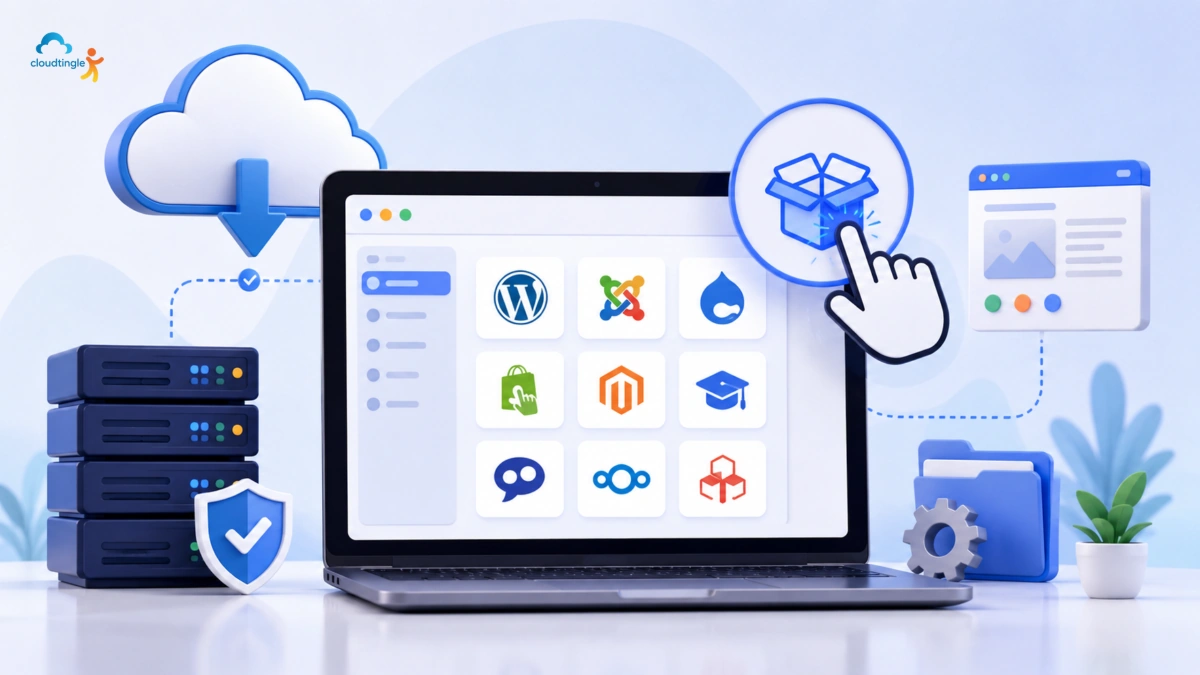
One Click Apps refer to software bundles that have already been configured and are set to be automatically installed via a hosting control panel or Cloud Management console with just one click.
Most of the hosting providers provide the one click installations of popular applications like:
- WordPress
- Docker
- Mikrotik
- Moodle
- Nodejs
- cPanel
- CyberPanel
- Mailcoach
- Plesk
- Magento
- Pfsense
These applications can be deployed in minutes, so that the end user can begin to customize their website or software right away.
Why One-Click Apps Have Become So Popular
One of the most important assets of any business is time. Software deployment is typically done through multiple technical steps and can be time consuming and error-prone with traditional software installation.
One-Click Apps make this easy and automatic, almost all the way. The outcome is a smoother, more efficient deployment process that is suitable for users of all skill levels.
This is advantageous for organizations as it cuts down on technicalities involved in implementing a digital project.
Faster Website Deployment
Traditionally, building a website involved downloading installation files, creating a database, setting permissions and linking various components of the system. These activities required skill and meticulousness.
One-Click Apps make deployment a very simple process. Users just select the application they want, enter a few simple pieces of information and the automated installation takes over the rest.
This streamlined method helps to minimize launch times, aiding businesses to publish websites swiftly and efficiently.
Reduced Technical Complexity
All the above steps (downloading of the files, database creation, upload of the scripts, and configuration of files) will be done by the installer automatically.
One-Click Apps take care of many of these configuration tasks, so it’s less complex. This will make it easier for new companies, freelancers, education institutions, and small businesses that do not have proper IT teams to develop their own websites.
It makes it faster, and allows the faster integration of digital technologies.
Improved Accuracy During Installation
In regards to failure during the installation of software applications, the most common cause of this failure is due to human error. The software applications do not work when database credentials are wrong, file loss, and mistakes in database configurations.
The risks are eliminated by use of automated installers who follow a certain deployment process.
All required components are set up with recommended parameters, providing more uniformity and predictability.
This means that users are able to save time in troubleshooting issues that may occur during installation and focus more time on creating their website or app.
Wide Variety Of Supported Applications
Today hosting providers provide a wide range of One-Click Apps for a variety of business needs.
Popular categories include:
Content Management Systems
Perfect for blogging, business sites, news portals, and business sites.
eCommerce Platforms
Ideal for setting up ecommerce websites that feature payment integration, inventory control and customer accounts.
Learning Management Systems
The online learning environments can be deployed rapidly in the educational institutions and training providers.
Pre-configured development frameworks allow developers to quickly create custom Web applications.
Collaboration Tools
It is easy to set up file-sharing, project management and communication applications on the business.
This flexibility enables organisations to roll out solutions to meet their objectives.
Better Resource Efficiency
Automatically installed installers may have to go through several configurations and do a lot of testing.
On-Click Apps make the deployment easy through automation of these processes.
Projects can get from planning to production much quicker, which equates to improved business operational effectiveness.
Enhanced Security During Deployment
This is not an area in which security cannot be overlooked when installing website software.
Many One-Click Apps will automatically come with the following recommended security settings on installation:
- Secure database creation
- Strong configuration defaults
- Appropriate file permissions
- Initial administrative setup
- Support for SSL certificates.
These automatic setups minimize vulnerabilities typically found in manual deployments.
However, long-term maintenance is still necessary, but having a well-configured installation would give them a stronger security base to start from.
Easy Updates and Maintenance
The management of software is not one-and-done. Website updates have to be made periodically to guarantee compatibility and usability while eliminating potential security threats.
A large number of web hosts provide update management via the One-Click Apps, which makes it possible for the administrator to keep their applications up-to-date easily.
Regular updates keep up:
- Website security
- Performance
- Compatibility
- Feature enhancements
- Long-term stability
This makes the ongoing maintenance easier and administrative hassles are minimized.
Benefits For Businesses Of Every Size
From a personal blog to enterprise-level applications, One-Click Apps offer lots of benefits.
The simplicity of the technical aspects is a plus for small businesses.
Developers have a quick test environment.
Digital agencies speed up client project delivery.
Learning platforms are used effectively in educational institutions.
For large enterprises, simplifying software provision on multiple environments.
One-click deployment is its most useful feature, as it is applicable to nearly all industries.
Choosing a Hosting Provider That Supports One-Click Apps
Not all the hosting companies support all applications. When choosing a hosting provider, consider a number of factors.
Be sure to search for providers that provide:
- Extensive application libraries
- Automatic updates
- Secure installation processes
- Backup options
- Reliable uptime
- Fast storage
- User-friendly control panels
- Responsive technical support
Such functionalities will guarantee the reliability of your applications during installation, run-time, and throughout the entire lifecycle of applications.
Best Practices After Installation
Although One-Click Apps guarantee easy deployment of your applications, it’s also essential to manage them properly.
After installing them, consider following the best practices below:
- Change default admin password.
- Enable SSL encryption.
- Configure regular backups.
- Install trusted security plugins.
- Keep applications updated.
- Uninstall unused themes and extensions.
- Check the performance of your website.
Such actions will guarantee reliability and optimal performance of applications.
Conclusion
Fast, reliable and easy-to-manage deployment solutions are a must for modern businesses. The deployment of One-Click Apps is automated, thus, avoiding a lot of the technical issues involved in conventional software deployment.
The One Click App is an ideal solution for those organizations that wish to develop a web site, e-commerce site, Learning Management System, or custom-built software application. The One-Click Apps make installation easy, provide accurate data, offer data security, and help minimize administrative issues. Therefore, organizations can focus on innovation and customer interaction.